AI agents in your ad account: who may do what, and who approves?
Think of an agent with write access as a new colleague on their first day. They get a key for what they need, a log and a boss who approves what costs money. Here is how to set that up, with the Google Ads MCP server as the example.

By Fabiano · updated November 21, 2026 · 8 min read
Give an AI agent only the permissions the task needs. Let it propose changes first and have a human confirm anything that cannot be undone. Keep a log and agree who is responsible. Google builds this into the Google Ads MCP server itself: a read-only mode and a propose-and-confirm step with a checksum before a change goes through.
1The example
An example: what may the Google Ads MCP server do?
An AI agent is software that plans steps and calls tools on its own, for example to pull a report or create an asset. The link to Google Ads runs through MCP (Model Context Protocol), an open standard that lets an AI model work with external data and apps. The current documentation describes what the server can do today (Google Ads MCP server):
What the server can do
- Pull reports and metadata
- Create individual assets
- Upload videos
- Manage labels
What it cannot do
- Create or change campaigns
- Create or change ad groups and ads
- Change budgets
- Change bids
How a change moves through the server
- 1
Dry run
Every write action runs as a dry run first. Nothing changes.
- 2
List and checksum
The agent gets a list of changes and a checksum.
- 3
Your approval
A human reviews the list and confirms.
- 4
Execute
The change goes through, with the same checksum.
NoteGoogle writes that the checksum prevents unintended changes but does not replace access control. To really block writing, switch off the write tools in the configuration file. The agent can then only read. A server like this handles permissions for Google Ads. For other tools and for your team you have to make the same agreements yourself.
2Three levels
Three levels: read, propose, execute
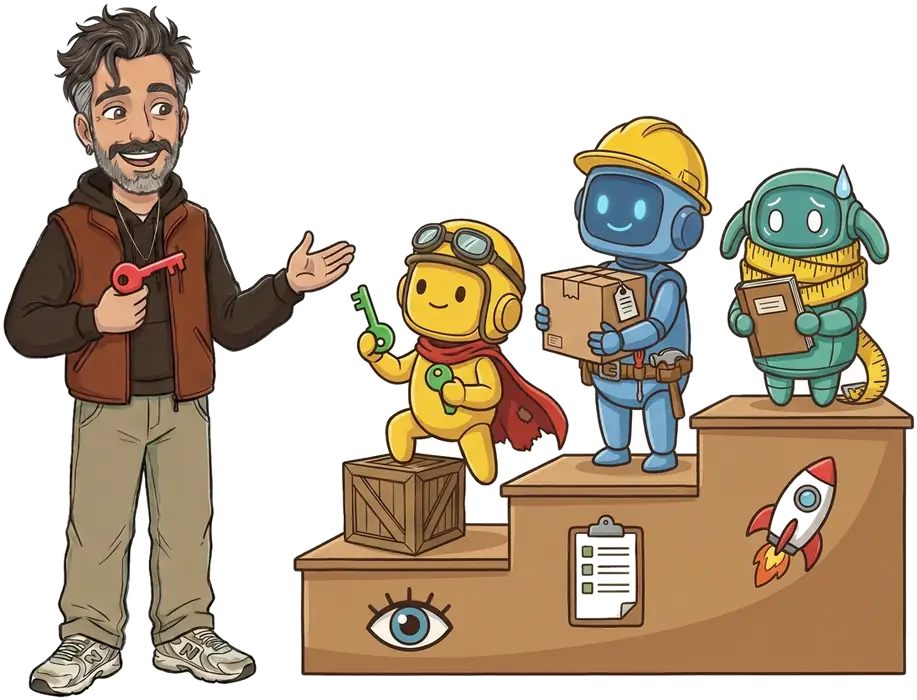
A workable split has three levels, each with a key. The higher the level, the stricter the approval. This is my own working split, not a legal one.
Rule of thumbAn agent that reads from outside, such as a web page or an email, gets no rights at level 2 or 3. That text can contain hidden instructions.
Read
What the agent may doPull and analyze data, change nothing.
ExamplesSearch terms report, budget deviations, a feed check.
Who approvesNobody per action. But a standing agreement on which accounts the agent may read.
Propose
What the agent may doPrepare a change without carrying it out.
ExamplesNew assets, labels, a list of search terms to exclude.
Who approvesA human reviews the proposal and confirms.
Execute
What the agent may doCarry out something that costs money or cannot be undone.
ExamplesRaise a budget, set a campaign live, send an email.
Who approvesA human, per action, beforehand. I approve these myself.
Example of a permissions matrix
This is how the split looks per task. Adapt it to your account and write it down before the agent starts work.
| Task | Read | Propose | Execute | Who approves |
|---|---|---|---|---|
| Pull a search terms report | Yes | Not needed | No | Nobody per action |
| Create new assets | Yes | Yes | After approval | You, per proposal |
| Exclude search terms | Yes | Yes | After approval | You, per list |
| Raise a budget | Yes | Yes | After approval | You, per action, beforehand |
| Set a campaign live | Yes | Yes | After approval | You, per action, beforehand |
| Send an email to a client | No | Draft | After approval | You, per email |
3Five questions
Five questions to answer up front
Answer these five questions in writing before the agent goes live. One page is enough.
What may the agent do?
Write down per task which tool, which account and which level. Everything outside that is not allowed, even if the technology permits it.
Who approves?
A name, not a team. What happens when that person is on vacation? The action waits.
What gets logged?
Which agent, which task, which input, which result and who confirmed it. A log in plain language that your client can read is the most useful.
How do you undo it?
Know beforehand how to undo a change, and put whatever cannot be undone at level 3.
Who is responsible?
An agent is software and cannot be. Record who sets up the agent and who approves, and agree on liability in your terms.
4Risks
The risks you need to know
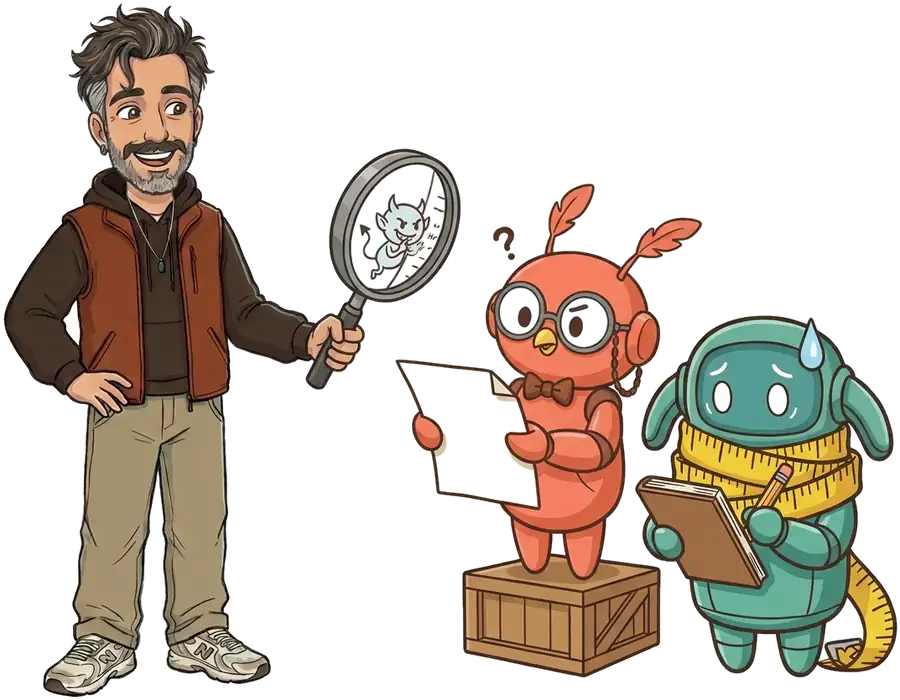
OWASP, the organization behind the well-known list of security risks, published a separate Top 10 for agentic applications: software that plans, remembers and acts on your behalf (OWASP). Three risks are the most recognizable for advertisers. OpenAI and Anthropic give the same basic advice in their guides to agents: start simple, keep a human in the loop for actions you cannot undo (OpenAI, Anthropic).
Hidden instructions
An agent that reads a web page, review or email can run into instructions that do not come from you. This tops the OWASP list for language models (OWASP). Give such agents no write access.
Too many permissions
The more an agent may do, the bigger the damage from a mistake or misuse. Give only what the task needs and remove permissions when a task ends.
No view of what happened
Without a log you do not know what the agent did, and you cannot fix a mistake or explain it to your client.
5What the law says
Which rules affect an agent in advertising?
The AI Act has no separate ‘agent’ category. An agent is an AI system, and which rules apply depends on what it does. For ad management these are the points that matter.
AI literacy
Article 4Organizations that use AI take measures so their staff know enough about the AI they use. It has applied since February 2, 2025 and was rewritten in 2026 (Dutch DPA, Service Desk).
Transparency
Article 50If an agent talks directly to customers or the public, it must be clear that it is AI. If you use an agent for images or video, see the page on AI labels in ads.
Prohibited practices
Article 5Harmful manipulation and deception with AI is banned. An agent that optimizes ads must not be set up to exploit people’s vulnerabilities (European Commission).
High-risk
From Dec 2, 2027The list of high-risk uses does not mention ad management. It does include hiring and credit scoring, among others. Those rules apply from December 2, 2027.
Personal data
GDPRThe EDPB writes that a model trained on personal data is not automatically anonymous (EDPB). So send no more personal data to an AI tool than needed and check the processor terms.
Supervision in the Netherlands
Dutch DPAThe Autoriteit Persoonsgegevens is the coordinating supervisor for AI and algorithms (Dutch DPA)
This is not legal advice. Have a lawyer review your terms, data processing agreements and AI policy.
6What to expect
What to expect from an agency or freelancer
If you work with an agency or freelancer who uses AI, ask for these six things. They also make a good checklist for your own team.
A log you can read
What was done, when and why, in plain language.
A dry run before live
New tasks first run without changing anything.
No budget change without approval
Budget, bid strategy and going live go through a human.
Only the permissions needed
Read-only by default, write access only where it belongs.
A contact for mistakes
A name, a response time and an agreement on repair.
An agreement on personal data
Which data goes to which AI tool, and under which terms.
My own rulesThis is how I work myself, with a dry run, a source for every number and my own approval on anything that costs money. See How I work with AI. Your client sees the log in the client dashboard.
AI automation scan
Want to use agents with clear rules?
I map which tasks suit an agent, which permissions go with them and who approves what. You get a plan with a log and a permissions matrix.
Frequently asked questions
What is an AI agent?
Software that plans steps on its own and calls tools to carry out a task, like pulling a report or creating an asset. An ordinary chatbot answers questions. An agent also does things.
What is MCP?
MCP stands for Model Context Protocol. It is an open standard that lets an AI model work safely with external data and apps. Google used it to build a server for the Google Ads API.
Can an agent change my Google Ads budget?
Not with the official Google Ads MCP server. The server can create assets, upload videos and manage labels. It cannot change campaigns, budgets or bids. With your own code or other tools it is possible, and then you set up permissions and approval yourself.
What is propose-and-confirm?
A two-step method. First the tool validates a change without making it and shows a list and a checksum. Only after your approval does the agent run it, with the same checksum.
Who is liable if an agent makes a mistake?
An agent is software and cannot be responsible itself. So record who set up the agent and who approves, and agree on liability in your terms. Have a lawyer review it.
Does my team need to be AI literate?
Yes. Since February 2, 2025, organizations that use AI must take measures so that their people know enough about the AI they use. No fixed level is prescribed. It is about suitable measures.
Is an agent for ad management high-risk?
Usually not. The list of high-risk uses does not mention ad management. If you use an agent for recruitment or credit scoring, it is. Those rules apply from December 2, 2027.
May an agent process personal data?
Only if it is necessary and the GDPR allows it. Do not send personal data to an AI tool if the task does not need it, and check the tool’s data processing terms.
Sources
- Google for Developers, Google Ads MCP server
- Google for Developers, Open source Google Ads API MCP server (October 2025)
- OWASP GenAI Security Project, Top 10 for Agentic Applications 2026
- OWASP, Top 10 for LLM applications
- AI Act Service Desk, Article 4 (AI literacy)
- AI Act Service Desk, Article 50
- European Commission, AI Act: regulatory framework
- Dutch Data Protection Authority, AI Regulation (in Dutch)
- Dutch Data Protection Authority, AI literacy (in Dutch)
- EDPB, Opinion 28/2024 on AI models and personal data
- OpenAI, A practical guide to building agents
- Anthropic, Building effective agents
Updated on November 21, 2026.